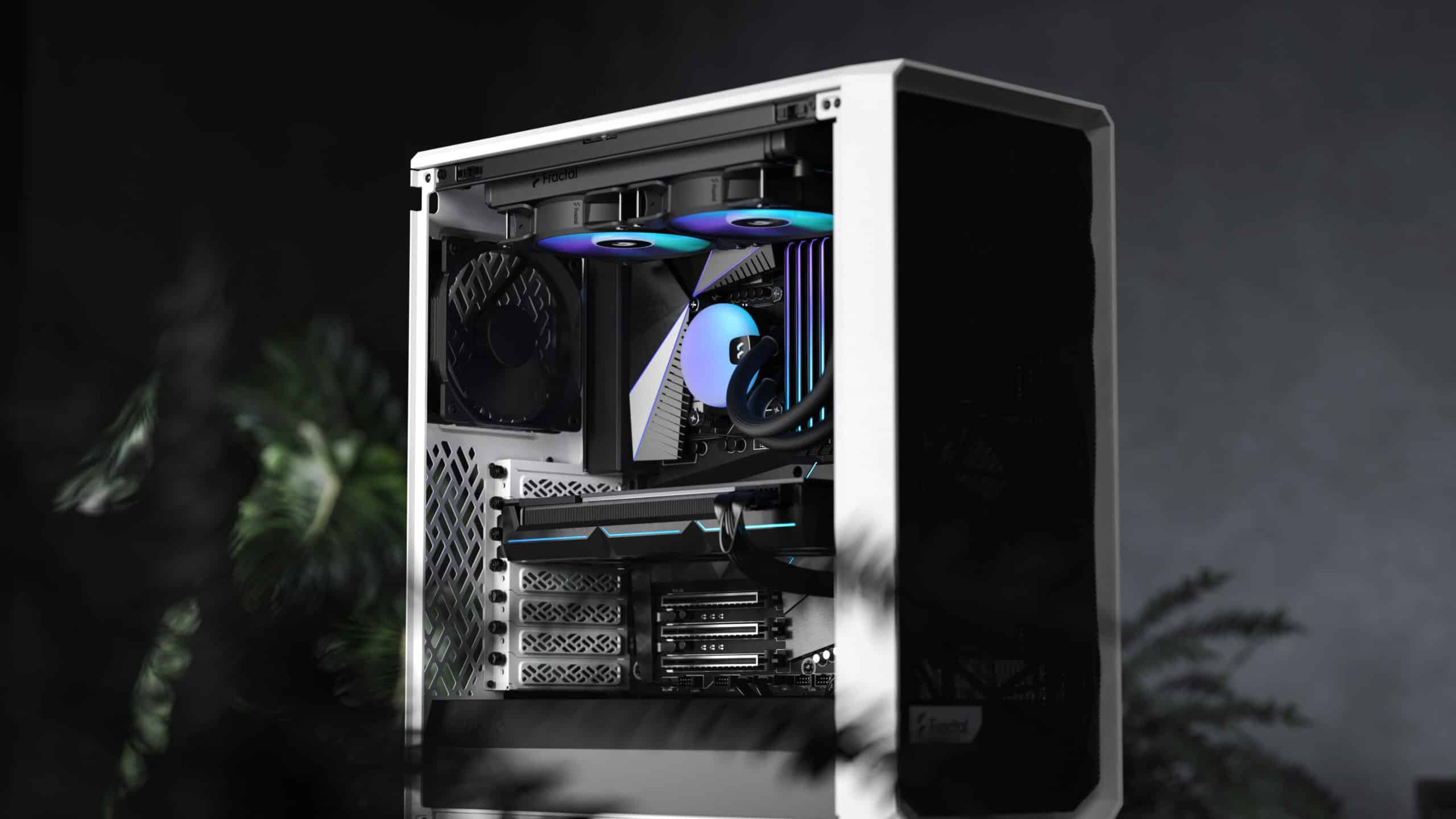
Explore the diverse world of computer case sizes, from Full Tower to Small Form Factor, and learn how to select the ideal chassis for your custom PC build in our comprehensive guide.
In today’s technology-driven world, building your own custom computer not only allows you to tailor its specifications to meet your needs but also provides you with an opportunity to personalise its appearance. Choosing the right computer case size is one of the first steps in creating your custom PC. With an array of options available, it’s essential to understand the differences between each size and form factor to make the best choice for your needs.
In this comprehensive guide, we will discuss various computer case sizes, their restrictions, and their impact on your build.
Computer cases, also known as chassis or enclosures, come in a range of sizes to accommodate different motherboard form factors and component configurations. There are four primary categories of computer case sizes: Full Tower, Mid Tower, Mini Tower, and Small Form Factor (SFF). Let’s delve deeper into each of these categories to explore their features and limitations.
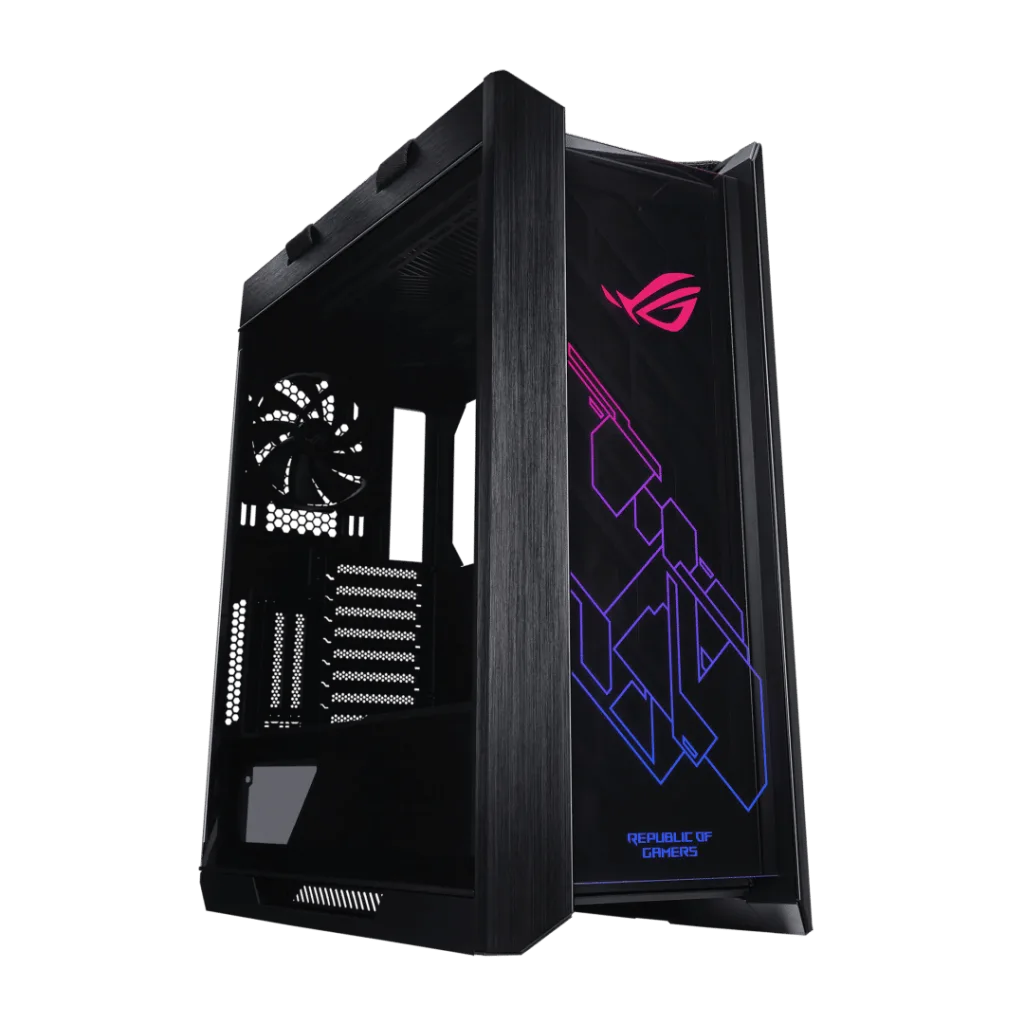
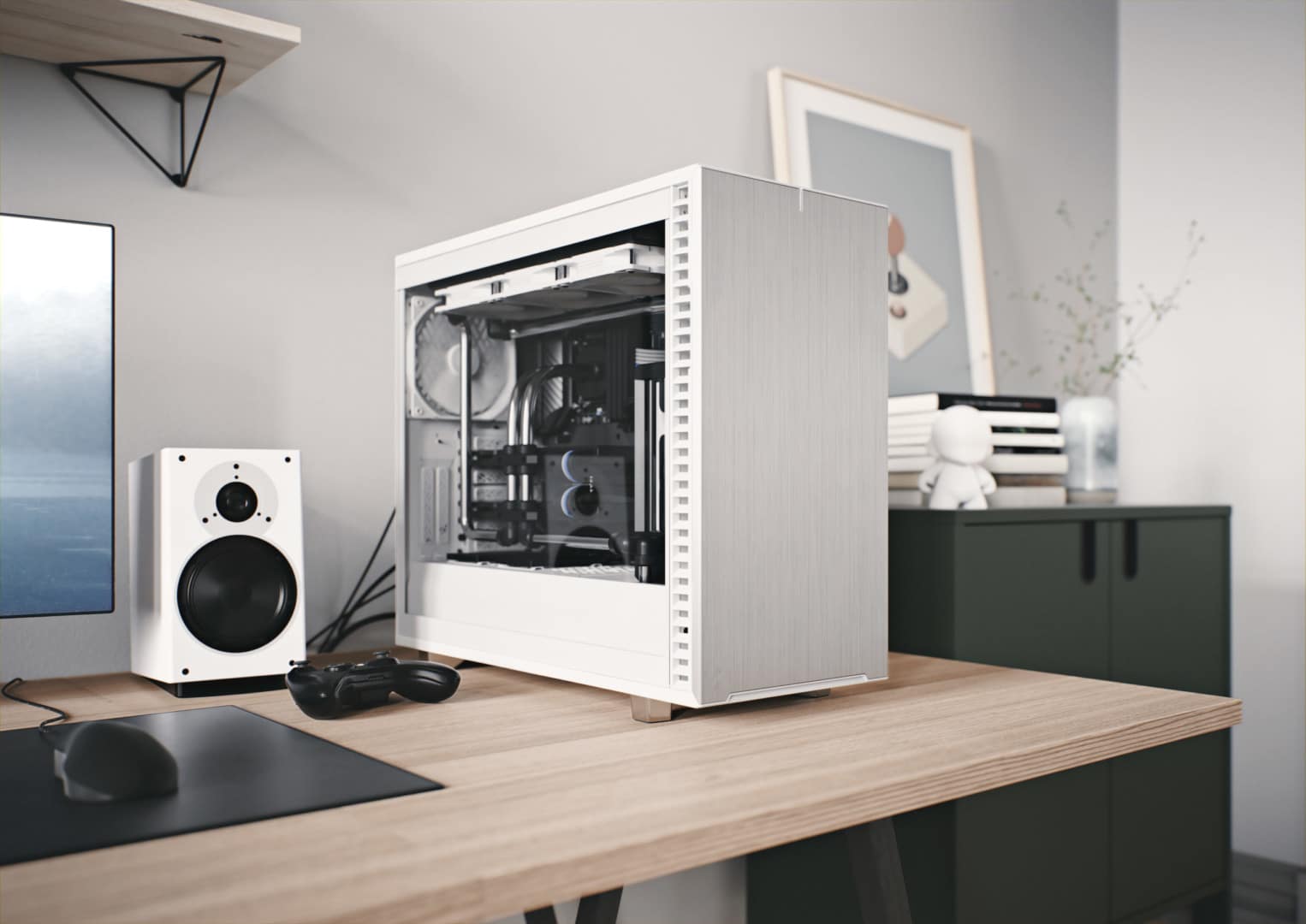
Full-tower cases are the largest of the lot and are designed to house the most powerful and sophisticated components. These behemoths offer the greatest amount of expandability and flexibility, making them ideal for enthusiasts, gamers, graphic designers, or anyone looking to create a high-performance workstation.
Pros:
Cons:
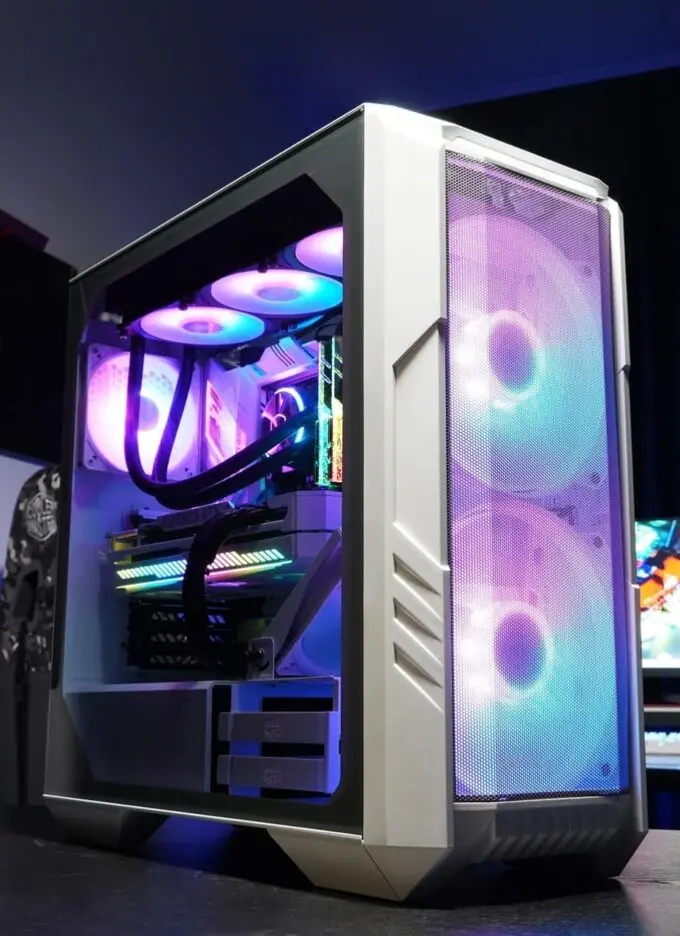
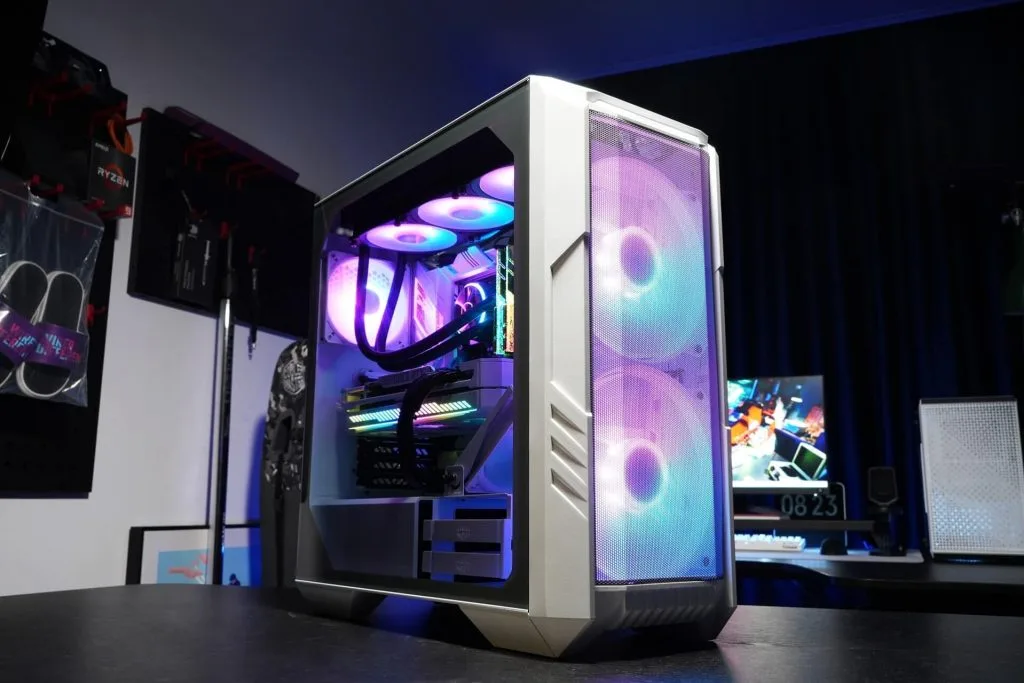
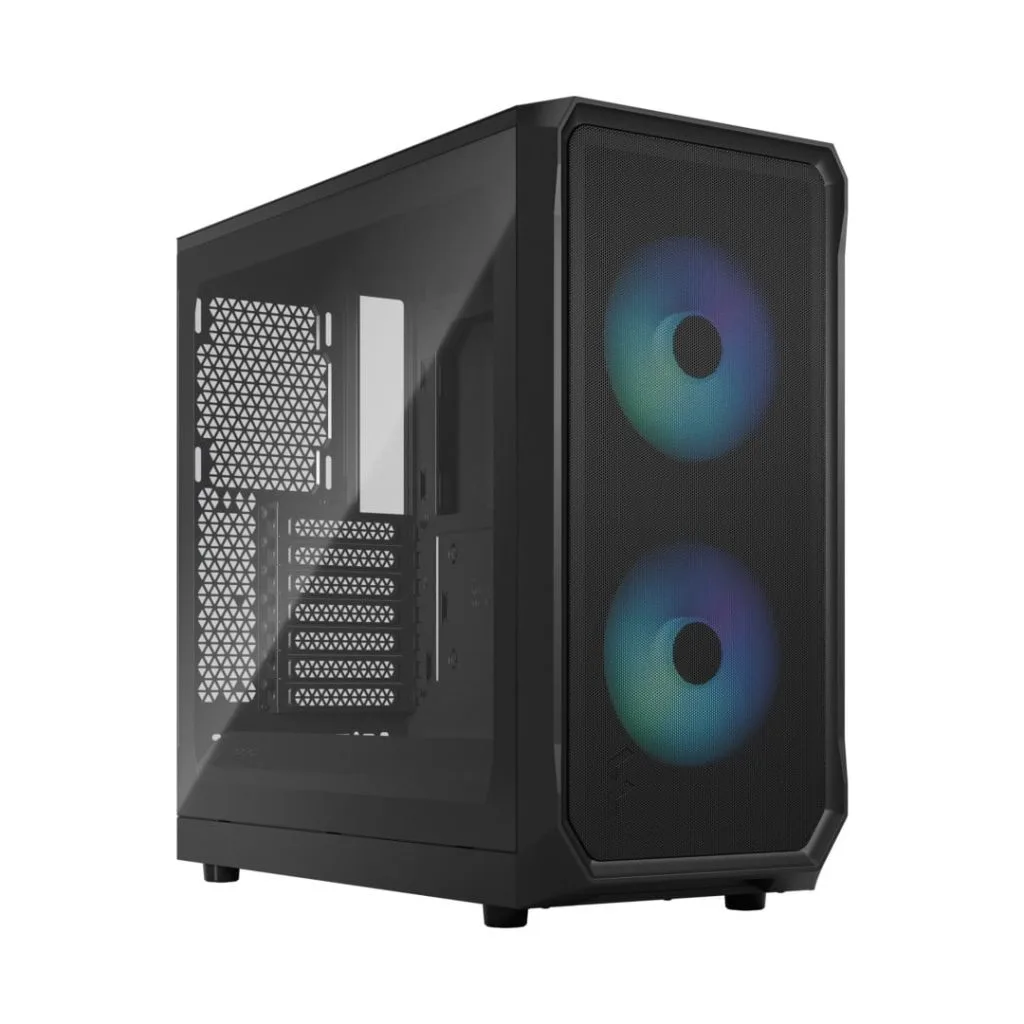
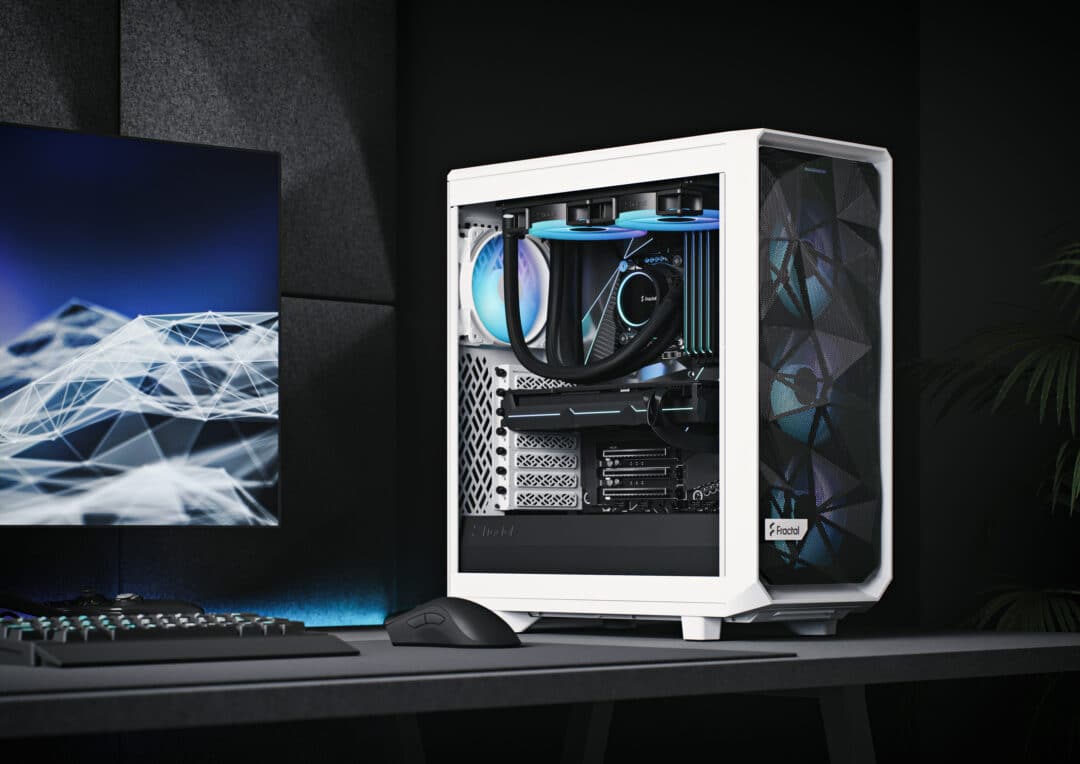
Mid-Tower cases are a popular choice among builders for their balance between size, expandability, and cost. They are designed to accommodate a wide range of components, making them suitable for various mainstream applications, including gaming, content creation, and everyday use.
Pros:
Cons:
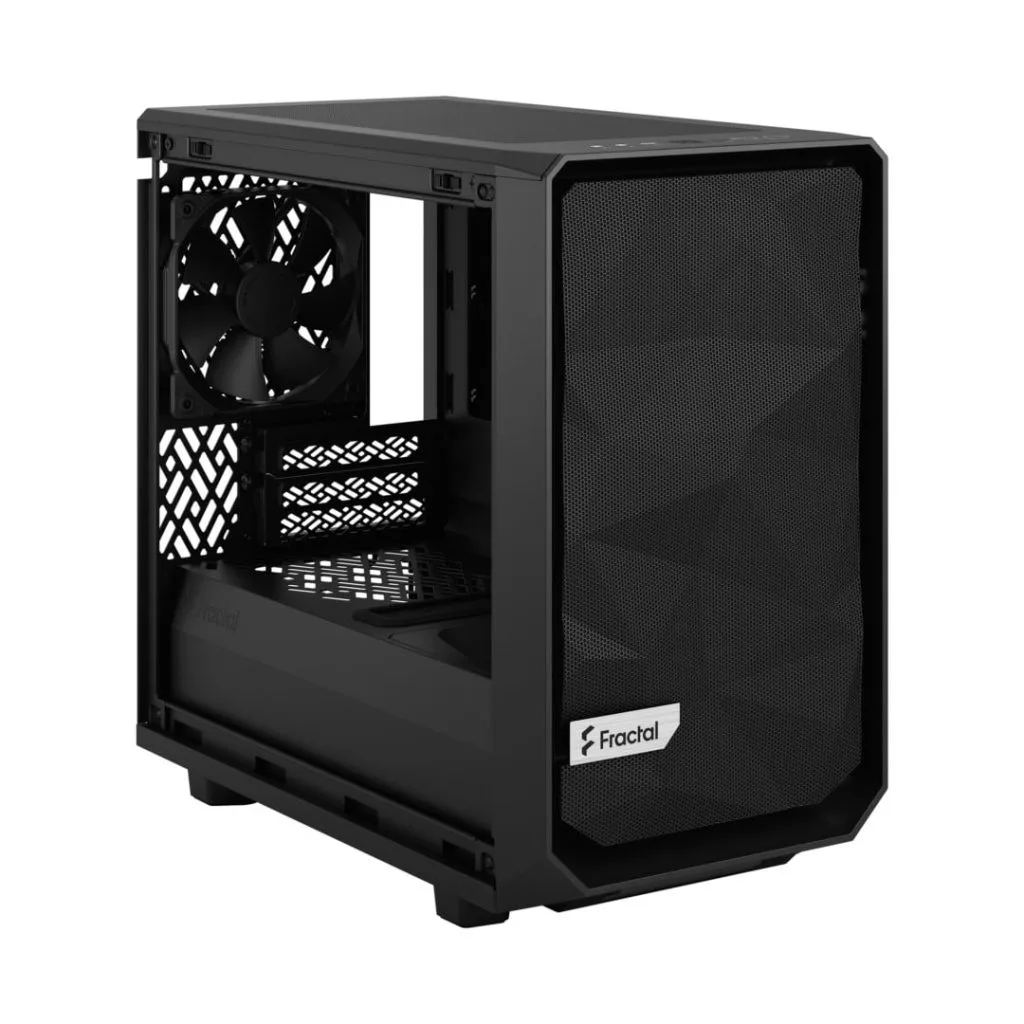
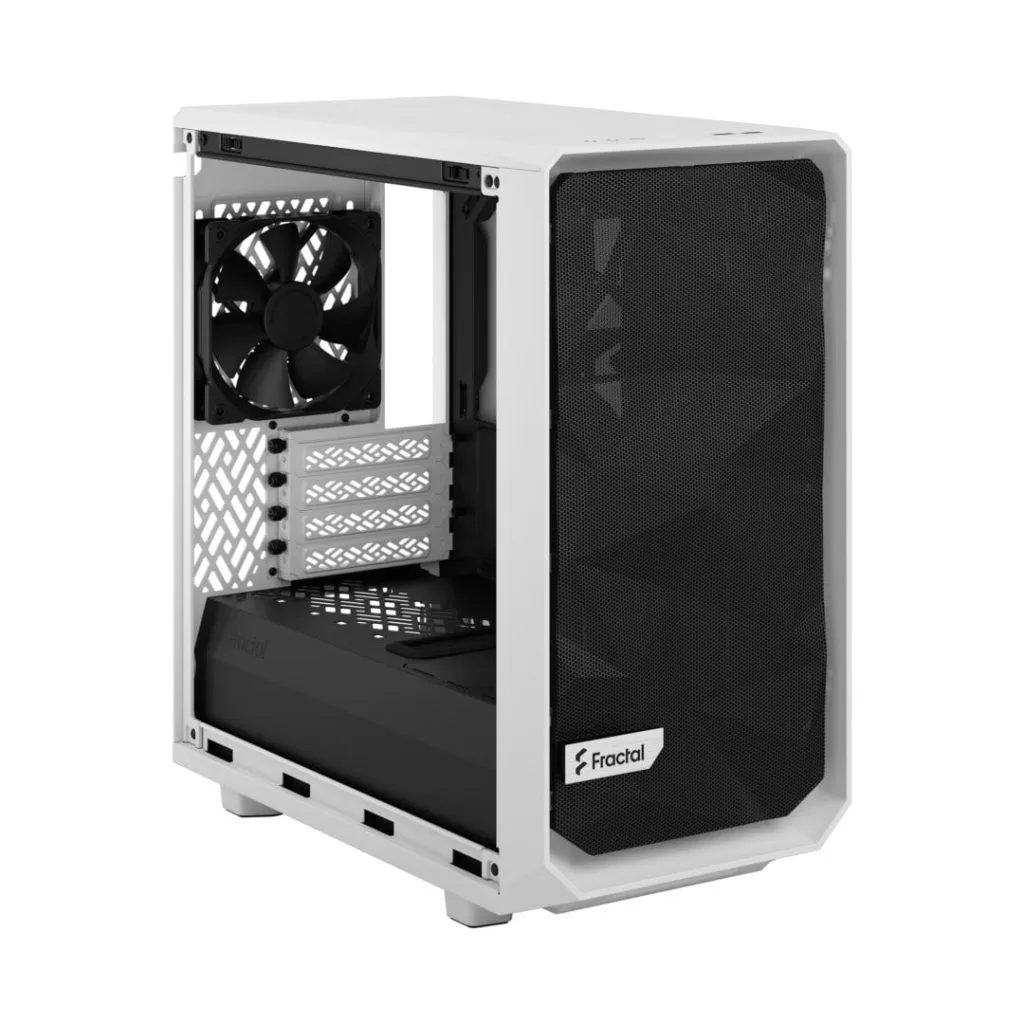
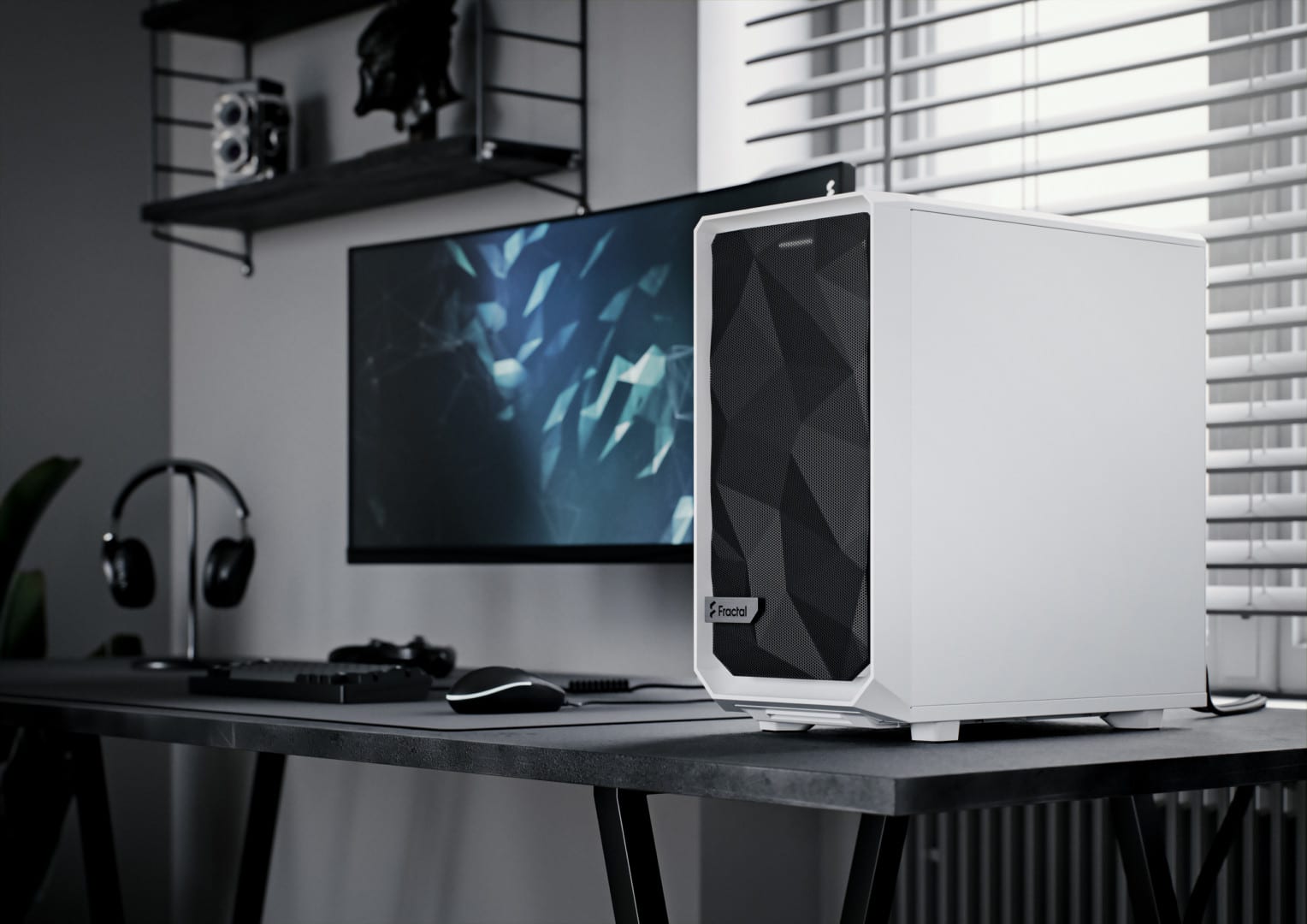
Mini-Tower (or Micro-Tower cases) provide a compact solution for those looking to build a system with a smaller footprint. Perfect for home offices and tight spaces, Mini-Towers are designed to house Micro-ATX and Mini-ITX motherboards but sacrifice expansion slots and component compatibility.
Pros:
Cons:
Small Form Factor cases are the smallest and most compact options available. They are designed to accommodate only Mini-ITX motherboards and sacrifice space for components in favour of a more portable design. SFF cases are perfect for minimalists, travellers, and those looking for a simple but sleek build.
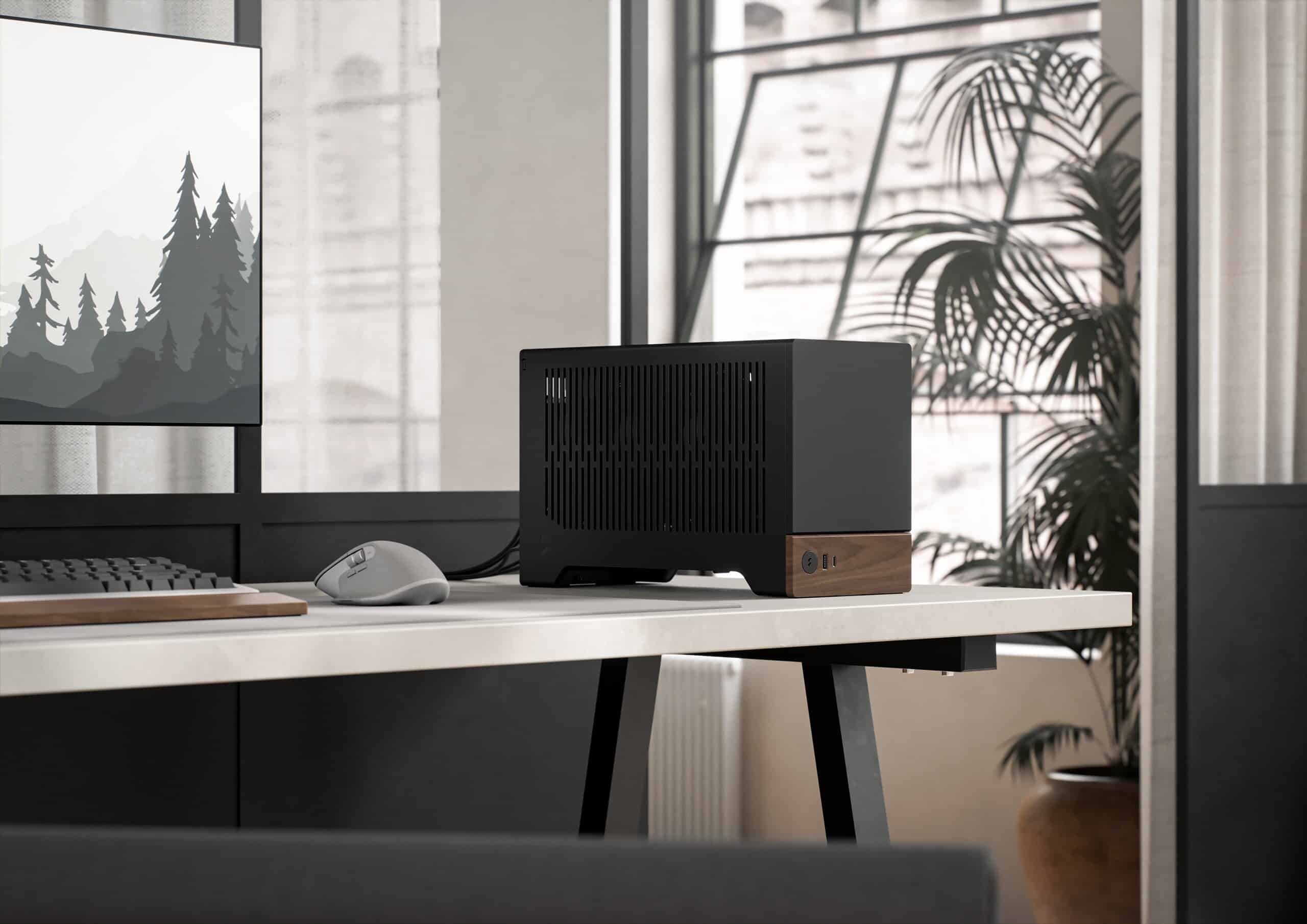
Pros:
Cons:
Now that we’ve addressed the different computer case sizes, it’s essential to understand motherboard form factors and their compatibility with these cases. The form factor refers to a motherboard’s size, shape, and layout.
The most common motherboard form factors include Extended ATX (E-ATX), ATX, Micro-ATX, and Mini-ITX. Each form factor has its limitations and requirements concerning case compatibility, component support, and physical dimensions.
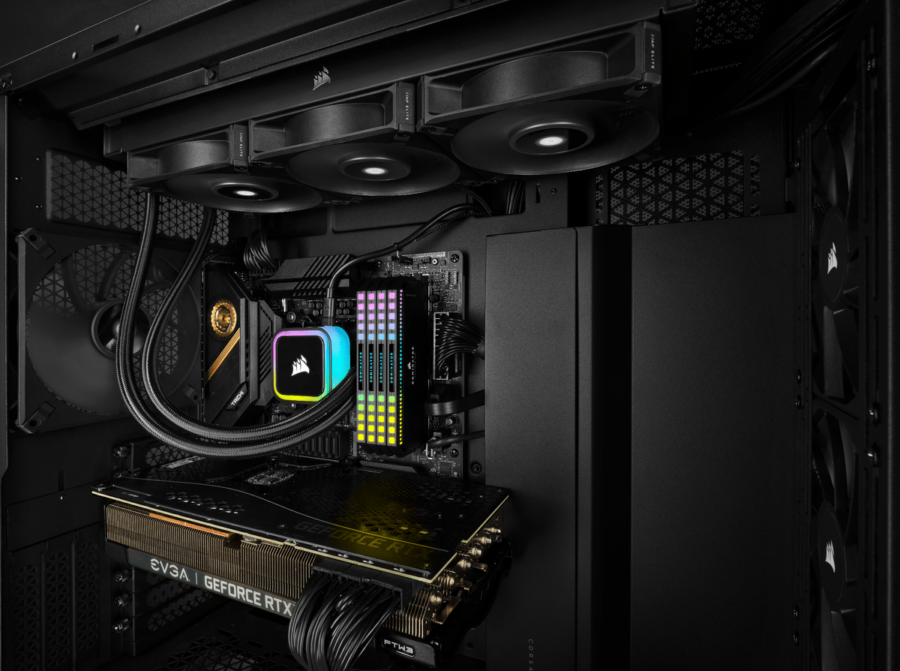
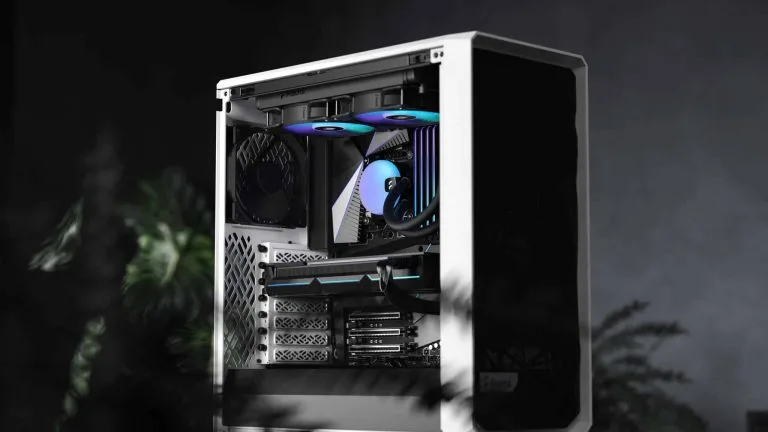
Investing in a reliable cooling solution is a must when it comes to keeping your components cool and ensuring your system runs efficiently. Custom watercooling loops and All-In-One (AIO) CPU coolers are popular among PC enthusiasts. In this section, we will discuss how each option interacts with the various case sizes and the factors to consider while choosing the best cooling solution for your build.
Custom watercooling loops provide an effective and highly customizable cooling solution for your computer’s components. While they can offer superior performance and aesthetics, they also require more space and planning for installation. Let’s take a look at how custom watercooling loops work with different case sizes:
Full-Tower Cases: With ample space for large radiators, reservoirs, and pumps, full tower cases are the most accommodating for custom watercooling loops. The spacious interior allows for complex and aesthetically pleasing loops that can handle extreme cooling requirements.
Mid-Tower Cases: Mid-tower cases balance size and cooling potential. While custom watercooling loops are still possible in these cases, you’ll likely need to plan your loop carefully to ensure all components fit comfortably and maintain the desired level of cooling performance.
Mini-Tower and SFF Cases: Implementing custom watercooling loops in smaller cases becomes increasingly challenging due to space constraints and component compatibility. While not impossible, these builds often require extensive planning, specialised parts, and creative configurations to achieve effective cooling.
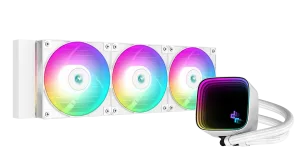
All-In-One (AIO) CPU coolers are closed-loop systems providing excellent cooling performance without the complexity and bulkiness of custom watercooling loops. They are pre-filled and sealed, making them easy to install and maintain. Here’s how AIO coolers interact with different case sizes:
Full Tower Cases: Thanks to their abundant interior, full tower cases are well-suited for large AIO coolers, offering optimal cooling performance. These cases can typically accommodate AIO coolers with 360mm radiators or larger, providing top-tier cooling for high-performance CPUs.
Mid-Tower Cases: Most mid-tower cases can easily support AIO coolers with 240mm or 280mm radiators, offering efficient cooling for mainstream builds. Depending on the case design, some mid-tower cases may even be able to accommodate 360mm radiators, further enhancing cooling potential.
Mini-Tower and SFF Cases: AIO coolers in smaller cases often require a more compact design, usually featuring 120mm or 140mm radiators. While these coolers may not provide the same level of cooling as larger AIOs, they still offer a substantial improvement over stock air coolers, especially in space-restricted cases.
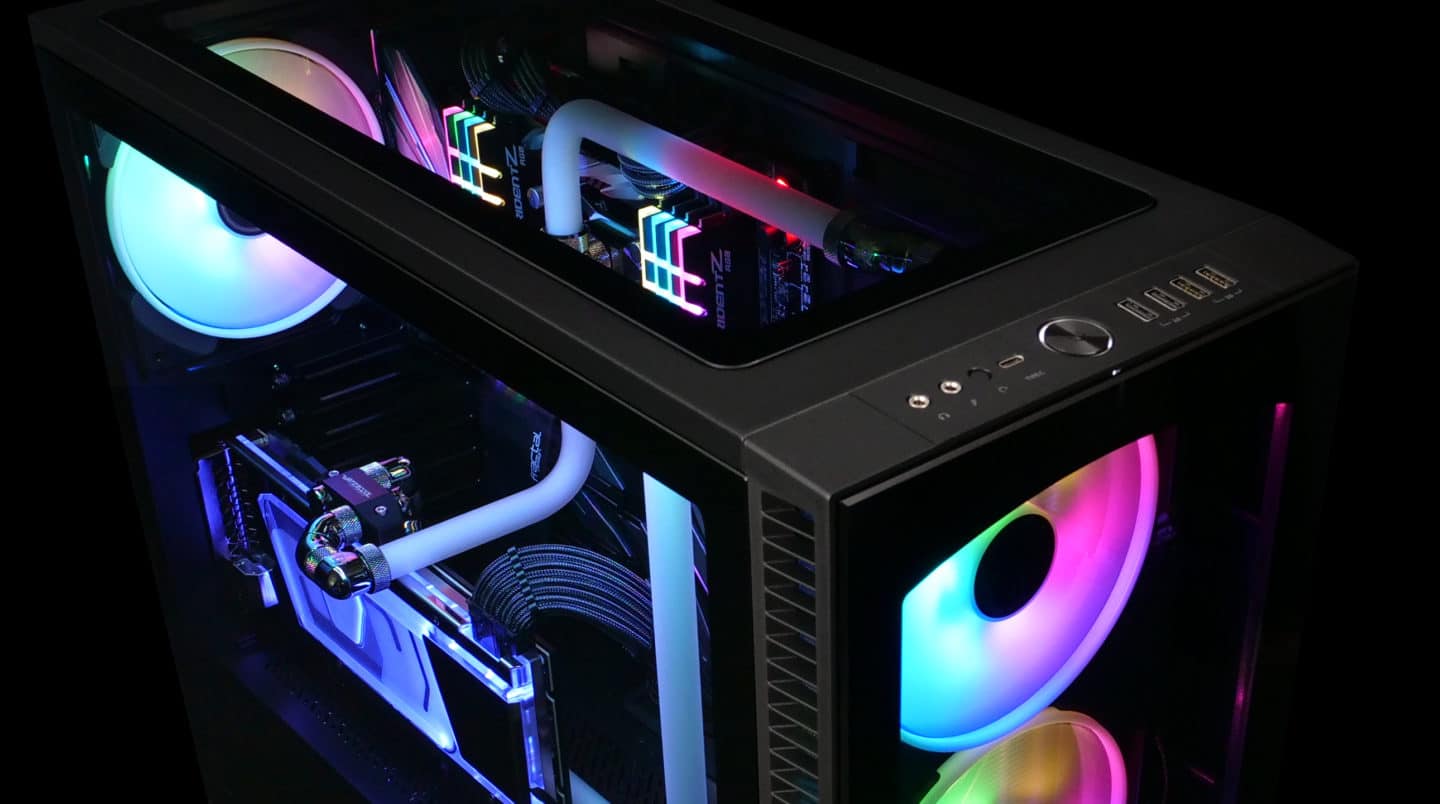
The ideal cooling solution for your custom PC largely depends on factors such as case size, budget, and performance requirements. Custom watercooling loops offer the best cooling performance and aesthetic appeal but require more space, planning, and investment. On the other hand, AIO coolers provide excellent cooling performance without the hassle of custom loops, making them suitable for a wider range of builds and budgets.
By evaluating the compatibility of custom loops or AIO coolers with your chosen case size, you can select an efficient cooling solution that keeps your system running smoothly and extends the lifespan of your components as you enjoy an immersive computing experience.
£111.99
or 4 payments of £28.00 with Clearpay
£112.99
or 4 payments of £28.25 with Clearpay
When selecting the perfect computer case size for your build, consider factors such as room for expansion, component compatibility, cooling options, and space constraints. Think about your performance requirements, budget, and the purpose of your computer.
Remember, a larger case doesn’t always mean better performance, and sometimes a smaller, compact case could provide the aesthetics, functionality, and portability you desire. By understanding each computer case size and its compatibility with different motherboard form factors, you can make an informed decision and create a custom PC that perfectly meets your needs.
In conclusion, building a custom computer requires thorough planning, and choosing the ideal computer case size is a crucial first step. This comprehensive guide should serve as a helpful reference to guide you through the process of selecting the right case size, ensuring that your custom build suits your requirements, and delivers an unparalleled computing experience.