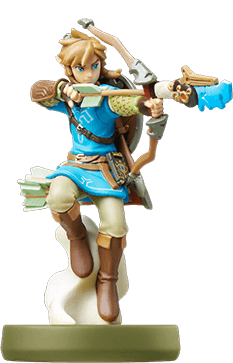
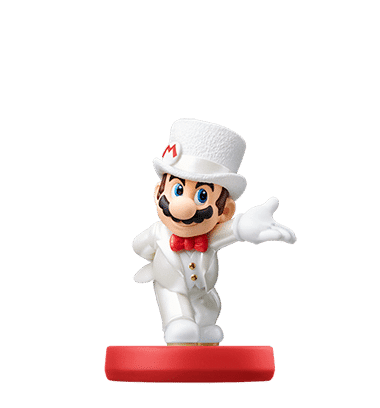
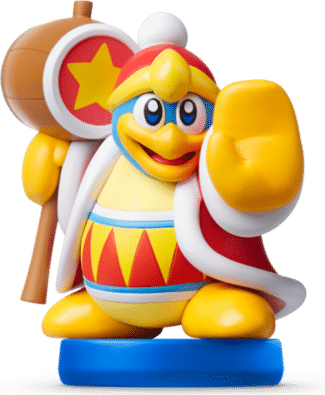
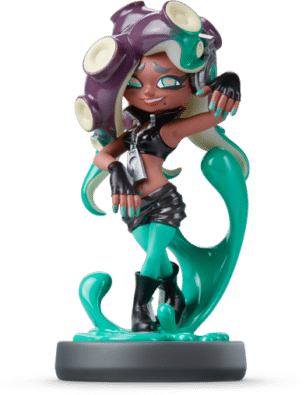
In this guide, we detail how to use amiibo for a number of the most popular Nintendo Switch games.
By Chloe
8 min read
With a big Nintendo title, comes an amiibo. But, what are they? What do they do? How do you use an amiibo? Are they useful?
Let’s take a look.
How to use amiibo on switch
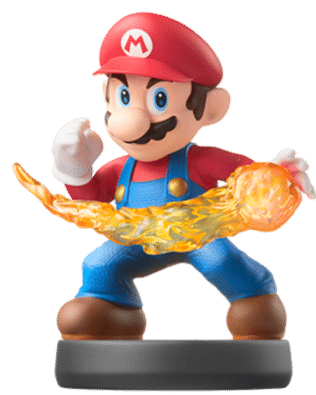
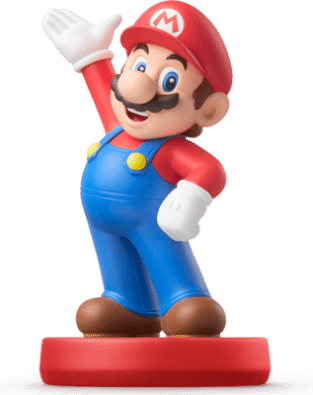
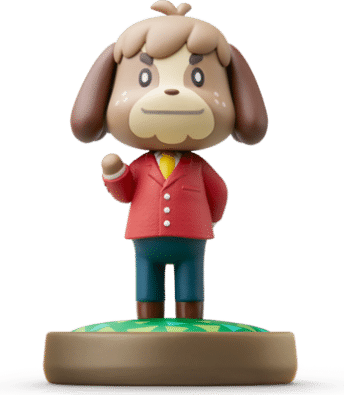
Some of the biggest games available on the Nintendo Switch have an associated amiibo. With this amiibo on switch, you can access sometimes exclusive items and in-game abilities. This can range from special characters and outfits to being able to fast-travel across your game’s map. One example being amiibo for Animal Crossing: New Horizon, where you can purchase a particular villager amiibo figurine or card and use it to bring that character to your Animal Crossing island.
Knowing how to buy, use and make the most of an Amiibo is still a mystery to a lot of gamers. If only there was a guide to show you everything you need to know about using amiibo…
Luckily, this is it! Here’s how to get the most out of using amiibo on switch –
Read our quick game by game below :
How does Amiibo Work
Amiibo are designed to work across all of Nintendo’s Switch, Wii U, and newest Nintendo 2DS XL consoles. amiibo can be used on the 3DS by getting a separately sold NFC reader. Amiibo contain a small chip — usually on the base of the figurines — which contains identifying data. This lets your Switch know what rewards to give you when you use it. It also tracks when the amiibo was last used. These chips use Near Field Communication (NFC) to connect with a tiny reader contained in the right Joy-Con of your Switch. When you touch the amiibo close to the thumbstick on the right Joy-Con, you activate the amiibo on your console pretty much instantaneously.
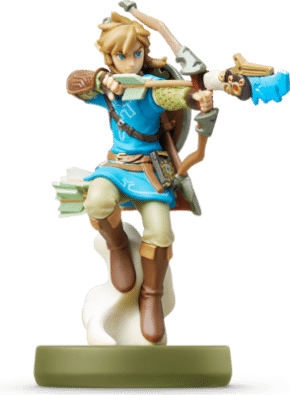
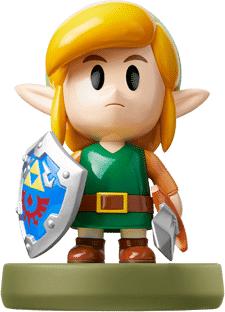
One of the best things about amiibo is that a single amiibo may be compatible with multiple games. From these little figurines or cards, you can receive riches, rewards, and surprises. Usually, you’ll know what your reward will be when you purchase the figurine. For example, for Skyrim, the Link amiibo gives you access to an exclusive Link outfit. The amiibo might level up your existing characters or add special bonuses that would otherwise be difficult to receive.
How to Setup amiibo on your Nintendo Switch
Sadly, not all amiibo are as straightforward as one tap. The idea of amiibo is to make your experience even more immersive, so the way you activate your amiibo and its rewards will change depending on the game.
We’ve included a list below of some of Nintendo’s most popular amiibo compatible games and how to activate your amiibo rewards for each one. Bear in mind there are plenty of games not included in this list that use amiibo in different ways — so check the instructions for your specific game.
In the guides below, we refer to the NFC or Joy-Con of the Nintendo Switch but the exact process is different between the Nintendo consoles.
On Switch: Tap your amiibo to the right Joy-Con controller’s Right Stick or the Nintendo Switch Pro Controller’s NFC
Wii U: Tap the amiibo to the NFC reader on your Wii U GamePad
Nintendo 2DS XL: Tap an amiibo to the NFC reader on the lower screen
Separate NFC reader for 3DS/3DS XL/2DS: Tap the amiibo directly to the reader
How to Use the Super Smash Bros Ultimate amiibo
From the main menu in-game, go to Games and More
From Games and More, select amiibo
Tap your amiibo figure on the right stick
Once done, depending on your amiibo, you’ll unlock an in-game fighter that corresponds, or you will receive an amiibo spirit.
How to Use the Skyward Sword HD amiibo
First, make your way up till Faron Woods.
Call on Fi by pressing down on the d-pad and selecting the “Use amiibo” option.
By scanning the amiibo, it will allow you to return to the sky wherever you are on the surface. If you scan it again, you will return to the same spot, providing a useful shortcut.
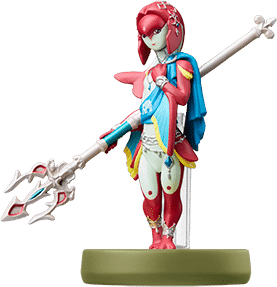
How to Use the Breath of the Wild amiibo
Press the Plus (+) button on the right Joy-Con controller to begin enabling amiibo as it is off by default
Press the R or L shoulder button to scroll sideways until you get to the system settings
Select Options from the system settings menu
Select amiibo
Select Use amiibo. Now that you’ve enabled the ability to use amiibo, you can trigger the rewards any time
Press and hold the Up button on the left Joy-Con D-Pad
Scroll to the right on the right Joy-Con thumbstick to select the amiibo Rune
Press the L shoulder button to trigger the amiibo
Place your amiibo on the right Joy-Con’s thumbstick to scan the NFC chip.
The loot will fall directly on the ground in front of you
How to Use amiibo on switch for Super Mario Odyssey
First, complete the first two kingdoms in Super Mario Odyssey before you can start using Amiibo. In the Sand Kingdom, head back to your ship. A new object will appear. This is Uncle amiibo and once you speak to him, you’ll be able to trigger your amiibo anywhere in the kingdom at any time.
Press the right arrow on the D-pad on the left Joy-Con
Place your compatible amiibo on the right Joy-Con’s thumbstick to scan the NFC chip
Loot will pop up from Mario’s head and automatically be added to your inventory
How to Use Kirby Star Allies amiibo
Start the game in Story Mode
While in a level, press the Plus button on the right Joy-Con controller
Select the amiibo option
Select Yes when prompted to confirm
You can only activate the amiibo function while you’re in a stage.
How to Use Splatoon 2 amiibo
To unlock new characters in Splatoon 2 or some gear, find the amiibo trigger in your amiibo Box in the back of Inkopolis Square.
Scan the front of the amiibo box
Press the A button to start the process
Place your compatible amiibo on the right Joy-Con’s thumbstick to scan the NFC chip
Select Do it for me!
Scan the amiibo one more time to befriend the Amiibo in your game
How to Use Mario Kart 8 Deluxe amiibo
Navigate to the game’s menu screen
Scroll down and select amiibo
Place your compatible amiibo on the right Joy-Con’s thumbstick to scan the NFC chip
How to Use Skyrim amiibo
Press the B button on the right Joy-Con controller
Select Magic from your menu
Select Powers
Select amiibo
Press the ZL or ZR trigger button to equip amiibo as a power
Exit the magic menu
Press the trigger button you chose as amiibo
Place your compatible amiibo to the right Joy-Con’s thumbstick
A loot chest will drop in front of you
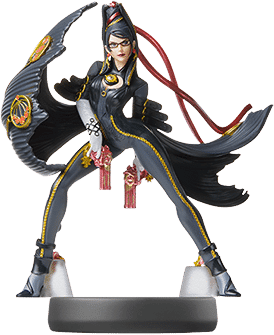
How to Use Bayonetta 2 amiibo
Navigate to your menu screen
Select amiibo
Place your compatible amiibo on the right Joy-Con’s thumbstick
You can use different amiibo 32 times per day.
How to Use Hyrule Warriors: Age of Calamity amiibo
Open up the game and get to the title screen
Select the amiibo option in the menu
Plop your amiibo in the centre of your Pro Controller or on top of your right Joy-Con controller
Receive your main game rewards like weapons and materials
How to Use Link’s Awakening amiibo
Using the amiibo for Link’s Awakening is one of the least straightforward of all amiibo.
You must complete the following stages of the game before you’ll even be able to access amiibo functioning:
Beat the Tail Dungeon
Rescue BowWow from the Moblins
Complete the Bottle Grove Dungeon
Head back to Mabe Village
After beating Bottle Grotto and returning to Mabe Village, search for Dampe. It is through this NPC that Link can unlock the Dungeon Builder feature in Link’s Awakening and also use Amiibo
Speak to Dampe, and he’ll tell you to meet him back at his shack. Dampe’s shack is found through the Mysterious Woods, and then heading east, and then head to the northeast of Koholint Prairie
Speak to Dampe
Select the amiibo option when asked what you want, and then opt for the ‘Get special chamber’ option to scan in amiibo
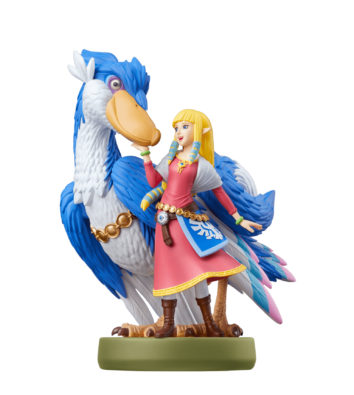
You will receive the Princess Zelda: Breath of the Wild — Great Fairy’s Chamber reward
How to use amiibo Animal Crossing New Horizons amiibo
There’s a variety of amiibo that are compatible with Animal Crossing: New Horizons. To activate:
Go to the Nook Stop terminal in the Town Hall
Select the penultimate option, Invite a Camper
Hold up the amiibo or amiibo card to the NFC touchpoint on the right thumbstick of your controller
Hold it there until the game confirms
Depending on the amiibo, the game will confirm your rewards
amiibo can also be used at Harv’s island to introduce NPC characters for photoshoots, allowing them to take part and pose in the photographs.
When inside the photo room and in edit mode, simply tap the amiibo to the NFC touchpoint at any time to make the character appear in a close by square
amiibo for Fun or Function
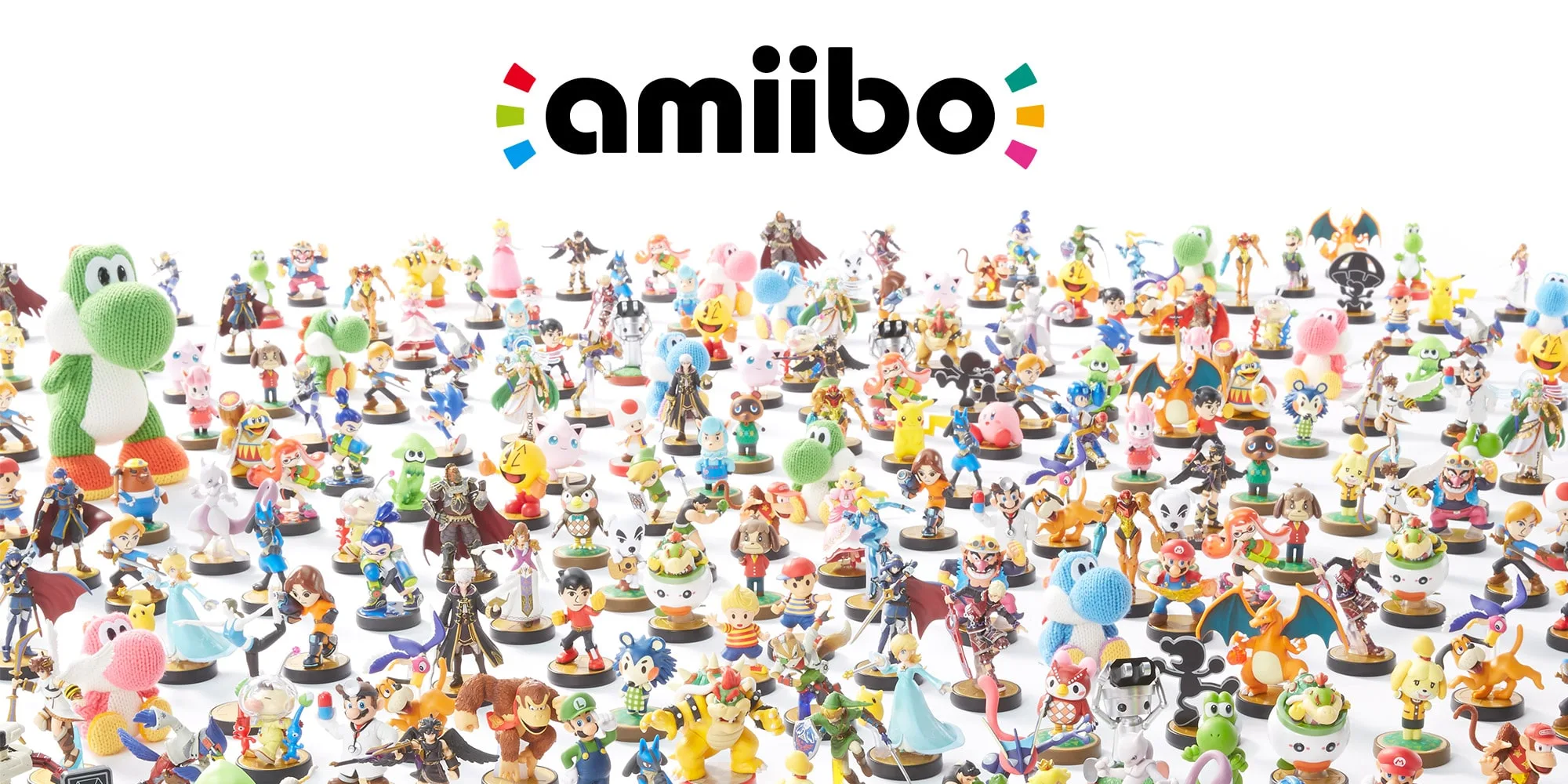
There are hundreds of amiibo available for most Nintendo Switch games. As more games enter the market for the Switch, more amiibo and rewards will undoubtedly follow. amiibo figurines are incredibly useful for getting access to a key character or exclusive gear and outfits, but the tiny statues are also beautifully detailed and fun to collect.
Whether you’re getting into amiibo on switch for the fun of collecting or to get more out of your favourite Switch games, get tapping that amiibo and let us know which amiibo you’ve found the most useful.
New Game Caught your eye?
Be sure to check out our latest Nintendo Switch Games here at UGP – Free UK Delivery